


An automated workflow using automateio
Connects Trello + Google Sheets
Export new archived Trello cards as rows on Google Sheets
About this workflow template
This automation scenario allows you to connect Trello and Google Sheets
It can be build using Automateio, a no-code workflow automation tool. Automateio allows you to create automated scripts using a simple drag-and-drop interface for non-technical users. This is a ready-made scenario, but it can be customized by adding more apps, actions, filters or branches.
Categories
Trello and Google Sheets can also be integrated using automation tools other than automateio:


Diagram
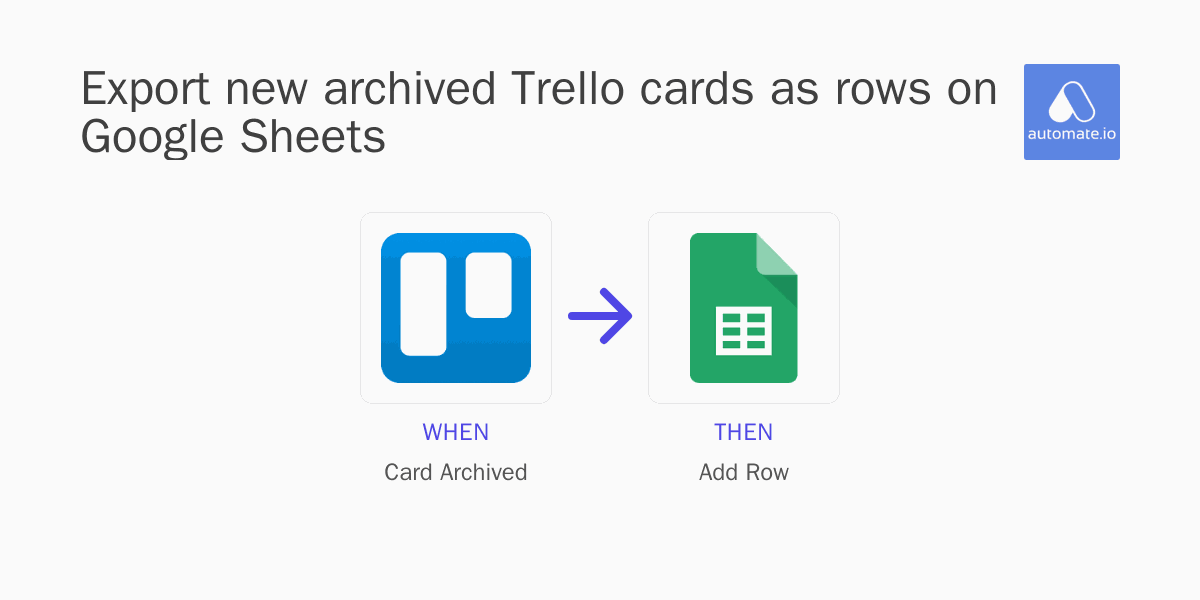
How it works?
When this trigger fires in Trello

Card Archived in Trello
Triggers when a card is archived
Then this action happens in Google Sheets

Add Row in Google Sheets
Adds a new row to a given Worksheet
How to set up this workflow
This guide contains information on how to set up an automatic workflow that allows to Export new archived Trello cards as rows on Google Sheets.
Part I
Configure Applications
First, we need to connect Trello and Google Sheets to Automateio.

Create Automateio account.
Create Automateio account if you don't have one.

Connect Trello to Automateio.
Give Automateio access to your Trello account, using Trello credentials.

Connect Google Sheets to Automateio.
Give Automateio access to your Google Sheets account, using Google Sheets credentials.
Part II
Build an integration workflow
Next, we need to create a workflow automation scenario using graphical no-code web interface of Automateio.
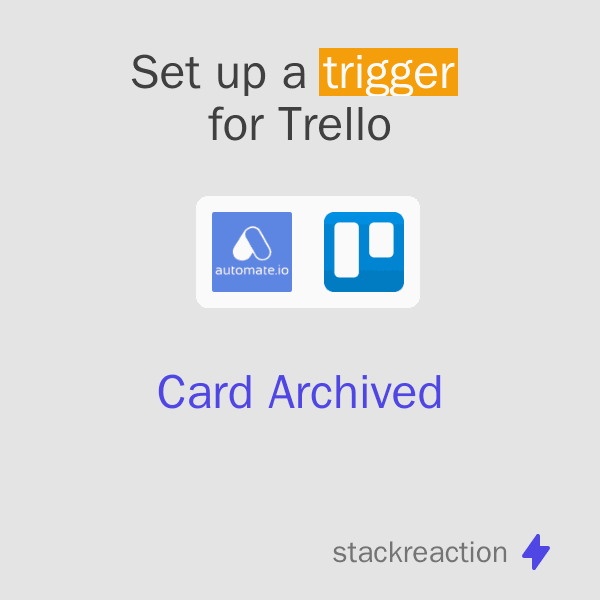
Set up a Trigger action for Trello
Choose the following trigger: Card Archived (Triggers when a card is archived).
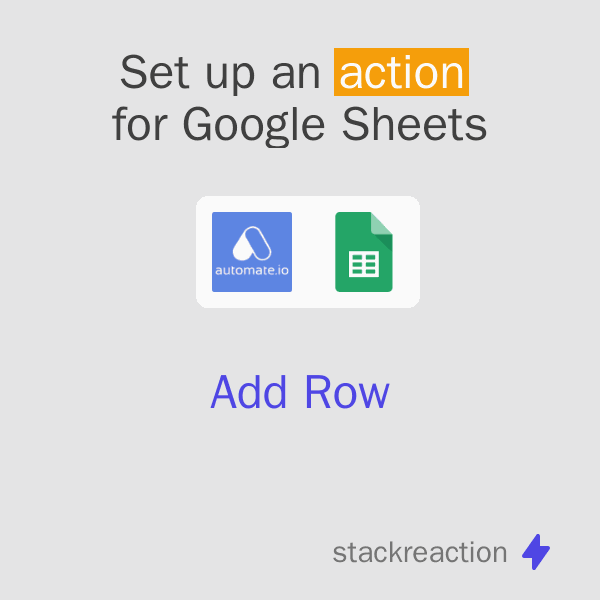
Then set up an Action for Google Sheets
Choose this action: Add Row (Adds a new row to a given Worksheet).
Part III
Test and Publish
Finally, we need to test this automation and publish it.

Customize data flow
Configure the data that is exchanged between Trello and Google Sheets.

Test the workflow and turn it on for production use
Test your scenario and publish to production. Now you have an automatic workflow, that will Export new archived Trello cards as rows on Google Sheets!
Related Automation Templates


Supported triggers and actions

New spreadsheet row
Triggers when a new row is added to the bottom of a spreadsheet.
 triggerbyzapier
New or updated spreadsheet row
Triggers when a new row is added or modified in a spreadsheet.
 triggerbyzapierpabbly-connect
Watch new rows
Triggers when a new row is added.
 triggerbyintegromat
New spreadsheet row (team drive)
Triggers when a new row is added to the bottom of a Google Team Drive spreadsheet.
triggerbyzapierNew or updated spreadsheet row (team drive)
Triggers when a new row is added or an existing row is updated in a spreadsheet. Optimized for Team Drive.
triggerbyzapierNew row added to spreadsheet
This trigger fires when a new row is added to a spreadsheet you specify.
 triggerbyifttt

Create card (deprecated)
Adds a new card on a specific board and list.
actionbyzapierCreate a card
This Action will create a card on the specified list in specified board.
actionbyiftttintegromatUpdate card
Update a card's name, description, due date, or position in list.

 actionbyzapierintegratelypipedream
Create board
Creates a new board.
 actionbyzapierautomateiointegrately
Move card to list
Moves a specific card to a list on a specific board.
actionbyzapierintegratelypipedreamCreate comment
Writes a new comment on a specific card.
actionbyzapierintegratelypabbly-connect
Apps you need
Trello is an easy-to-use collaboration tool that helps you organize your projects, no matter the size. With boards, lists, and cards, you can prioritize tasks and stay on top of everything from the big picture to the smallest details. Connect with your team in real-time and integrate with other key tools for seamless cross-team collaboration.


Google Sheets
Online spreadsheets for personal use and collaboration, part of Google Drive
Google Sheets is a powerful and flexible web and mobile spreadsheet application that lets you collaborate and share your data with others. Create and edit spreadsheets on-the-go, all in real-time.


Automateio
Cloud automation platform which automates marketing, sales, and business workflows with no-code workflows
Automate.io was acquired by Notion in September 2021. Notion will be closing down the Automate product on October 31, 2022.


